
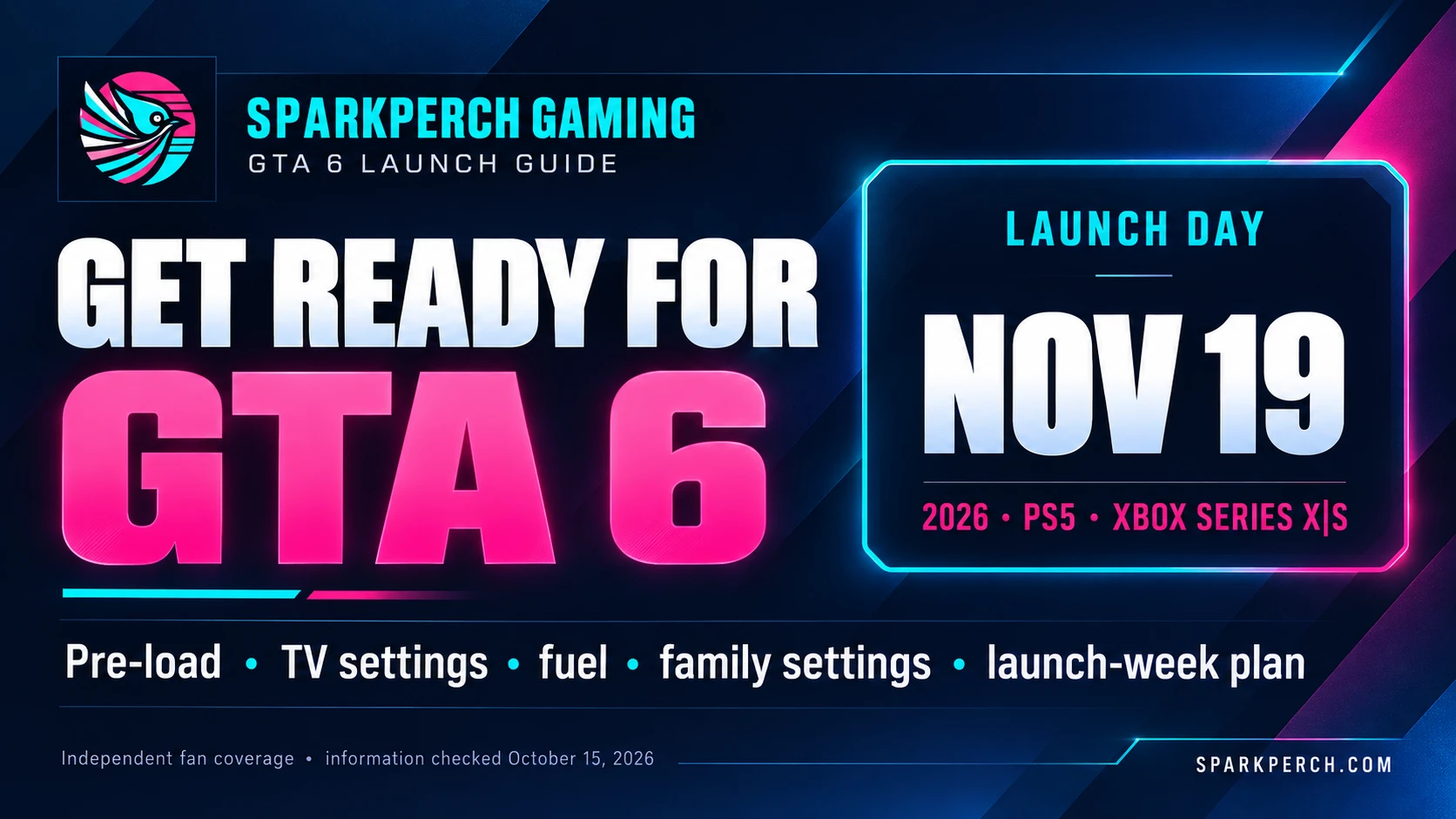
Information checked October 17, 2026. Independent fan coverage; not affiliated with Rockstar Games, Take-Two Interactive, Sony or Microsoft. This page contains affiliate links, marked in the text. As an Amazon Associate, Sparkperch earns from qualifying purchases, at no extra cost to you.
Grand Theft Auto VI launches on November 19, 2026 for PlayStation 5 and Xbox Series X|S. A game this big is easier to enjoy when the practical details are settled early: what to buy, how to download it, how to set up your screen and sound, and how to keep yourself fed and comfortable through long sessions. This guide covers all of it in order, using official sources for facts about the game, and says plainly where an answer has not been announced.
In this guide: the key dates, buying and bonuses, pre-load and storage, TV and audio settings, food and drinks for long sessions, family and safety settings, and a countdown plan for launch week.
Want the detail on one topic?
- Editions, prices and pre-order bonuses
- Pre-load and storage: what is official and what is a leak
- The PS5 features PlayStation has confirmed
- Graphics and frame rate: confirmed versus speculation
- The limited-edition DualSense controllers
- GTA 6 on PC: what Take-Two has said
- Buying a console for GTA 6
The dates that matter
- November 12, 2026: digital pre-loading begins, and the physical version becomes available.
- November 19, 2026: launch day on PlayStation 5 and Xbox Series X|S. The two limited-edition GTA VI DualSense controllers also begin launching from this date, with availability varying by region.
- Before November 20, 2026: the deadline for the Vintage Vice City Pack, included with every pre-order and every purchase made before that date.
Sources: Take-Two’s pre-order announcement and the PlayStation Blog’s controller announcement.

Part 1: Buying the game
Confirm your platform
The announced launch platforms are PlayStation 5 and Xbox Series X|S. Make sure your console is set up with a working account. If you own both, the platform holders highlight different extras, such as the DualSense features PlayStation describes in our PS5 features breakdown. Those are hardware capabilities, not a measured performance comparison, which can only come after release.
NEED A CONSOLE? · AFFILIATE LINKS
If you need a console, you can check the current price of a standard PS5 or an Xbox Series X (the digital 1TB model) on Amazon. The PS5 page can also offer a Used option, often at a lower price, so you can choose the used one instead. If you do, read the condition grade, who sells it and the return terms first. Offers change, and we have not verified price or stock. Our console buying guide has more.
Check the PS5 on Amazon →Check the Xbox Series X on Amazon →
As an Amazon Associate, Sparkperch earns from qualifying purchases, at no extra cost to you.

Choose an edition
- Standard edition: $79.99.
- Ultimate Edition: $99.99. It adds an exclusive set of premium vehicles, weapons, apparel and action tied to Jason and Lucia’s story, according to Take-Two’s release.
These are U.S.-dollar prices from the press release; regional prices are set by each storefront. Xbox’s listing also shows an Ultimate Edition upgrade, so check whether your platform lets you upgrade later and at what price. A useful question: will you actually use the extras? The release does not explain how they work in play, so do not assume they change difficulty or progression. Full detail is in our editions and pricing breakdown.
Digital or physical
Take-Two’s release says the physical version contains a download code in the box, so a physical purchase still involves downloading the game. Digital pre-loading and the physical version both start November 12. The release names the PlayStation Store, Microsoft Store, Rockstar Games Store and global retailers as places to buy. Check each seller’s refund and return terms for your region before you pay, and read the retailer’s listing for exactly what is in the box.
BOXED COPY · AFFILIATE LINKS
Amazon has GTA VI physical pre-order listings. Check the platform, edition and delivery date on the listing before you order; we have not verified price or delivery.
GTA VI for PS5 on Amazon →GTA VI for Xbox on Amazon →
As an Amazon Associate, Sparkperch earns from qualifying purchases, at no extra cost to you.
Claim the bonuses before the deadline
- Vintage Vice City Pack: included with every pre-order and every purchase made before November 20, 2026, according to Take-Two’s release. Buying on launch day, November 19, still qualifies.
- One free month of GTA+: Take-Two says digital pre-orders include it and that it is instantly redeemable. GTA+ includes the GTA+ Games Library, which the release says holds Grand Theft Auto V and other classic Rockstar titles. The release describes this bonus for digital pre-orders, so do not assume a boxed copy includes it, and read the membership terms, including what happens when the free month ends, before activating it.
Part 2: Storage and pre-load
The download size has not been announced in the sources we checked. Rather than guess, plan like this (more in our pre-load and storage guide):
- Check your console’s free storage now and delete or archive games you no longer play.
- If you use an external drive, check your console’s current rules for which games it can store and run from it.
- Check your internet plan for a data cap. A large pre-load may use a significant part of it.
- When the size is published on the official store page, compare it with your free space and adjust.
Pre-loading on November 12 lets you download in advance so the game is ready at launch. Start it overnight or when nobody else needs the connection, and keep the console on power. Update your console’s system software before then so nothing interrupts the download. Leave free space beyond the download itself, since an install and a day-one update can need more room than the headline size.
Part 3: TV, sound and controller setup
What is and is not known: Rockstar and the platform holders have not published GTA VI’s supported display modes (such as 4K, 120 Hz, HDR or variable refresh rate) in the sources we checked. The advice below is general console setup that helps with any modern game. Check the game’s display options once it is installed, and update this section when official details appear. Our graphics and frame rate article tracks what is and is not confirmed.
TV settings worth checking now
- Game Mode (or Auto Low Latency Mode): switches off heavy picture processing so your button presses show up on screen faster. Turn it on for the HDMI port your console uses; many TVs and both consoles can do this automatically.
- Use the right HDMI port. On many TVs only one or two ports support the highest modes (4K at 120 Hz, variable refresh rate). Check the TV’s manual, and enable the TV’s enhanced HDMI or deep-colour setting for that port if it has one.
- Turn off motion smoothing. Features called motion interpolation, “soap opera effect”, TruMotion or similar add delay and can make fast movement look unnatural in games.
- Pick a calm picture preset. Game, Cinema or Filmmaker-style modes are usually more accurate than Vivid or Dynamic. Reduce or turn off artificial sharpening and noise reduction, which can smear fine detail.
- Run your console’s HDR calibration if your TV supports HDR. On PlayStation 5 look under the video output settings; on Xbox look in the TV and display options and the HDR game calibration tool. Set it so bright highlights keep detail instead of washing out.
- Check dark-scene detail. A night scene should show shapes in the shadows without looking grey. If the game offers brightness sliders, adjust them while a dark area is on screen.
- Variable refresh rate and 120 Hz: turn them on in the console’s video settings only if your TV supports them. Whether GTA VI offers a mode that uses them has not been announced.
On PlayStation 5 the relevant options sit under Settings, then Screen and Video. On Xbox Series X|S look under Settings, General, then TV and display options. Menu names can change with system updates.

Room and eyes
- Blackout curtains help with glare. Daytime sun on a TV screen is one of the biggest picture-quality killers, and launch day is a Thursday, so many people will be playing with daylight in the room. Blackout (room-darkening) curtains or blinds cut reflections on the screen and keep dark scenes readable. Hang them on the window that faces or sits beside the TV. A curtain rod that extends past the window on each side helps block light leaking around the edges. Check the product listing for how much light it actually blocks, since “room darkening” and “blackout” are not the same.
- Soft light behind the TV reduces eye strain compared with a dark room and a bright screen, so pair the curtains with a small lamp or bias light rather than playing in total darkness.
- Cut glare from lamps and other bright sources on the screen too: move them, or angle them away from the TV.
- Use the 20-20-20 habit: every 20 minutes look at something about 20 feet away for 20 seconds.
Sound
PlayStation’s launch post highlights Tempest 3D AudioTech for positional sound on PS5, which generally works best through headphones. If you play late, headphones also keep the noise down for everyone else. Check your TV’s sound mode too: a standard or game mode is often better than “Dynamic” or heavy bass boosts that can bury dialogue.
Controller
Charge your controller, update its firmware if the console prompts you, and keep a charging cable or a second controller nearby. If you want one of the limited-edition GTA VI DualSense designs, see our controller breakdown; they are accessories only and the announcement does not say they include in-game content.
Part 4: Fuel for long sessions
Long sessions go better with simple food, water within reach and a plan for caffeine. This is general lifestyle advice, not medical advice; talk to a health professional about your own needs.
Two time-saving options (referral links)
Disclosure: the two links below are referral links. If you use them, we may receive a reward at no extra cost to you. We describe the products using what each company says on its own website, and we are not making health claims.
HUEL · REFERRAL CODE
Huel sells powder and ready-to-drink meals, and says on its site that its meals are ready in about 15 seconds with no cooking. That is the whole reason it is here: it is one way to eat without stopping for long. A quick meal is a convenience, not a performance aid, so check the label against your own dietary needs.
How the code works: this button opens Huel’s website, and the code does not apply by itself. Enter REF-ROBERTK0304 at checkout. Under Huel’s referral terms it gives 25% off a first order: new customers, 18+, US only, single-use. Huel sets the terms and they can change.
OATS OVERNIGHT · REFERRAL LINK
Oats Overnight sells protein oats you prepare the night before: the company’s instructions are to add milk, refrigerate overnight, then shake and drink. If you like a breakfast you can grab without cooking, that saves a step on launch morning. Check the ingredients and allergens for your own needs.
Healthier energy drink choices
There is no such thing as a health drink you can have unlimited, but some choices are better than others. The FDA cites 400 mg of caffeine a day as an amount not generally associated with negative effects for healthy adults, which is roughly two to three 12-ounce cups of coffee (a cup typically contains about 113 to 247 mg). Sensitivity varies, so some people feel it at lower amounts. Medical experts advise against energy drinks for children and teens, and the FDA suggests pregnant or breastfeeding people, and anyone with certain medical conditions or medications, talk to a health provider about caffeine.
- Coffee or tea, plain or lightly sweetened: the simplest source of caffeine, easy to measure by the cup.
- Green tea or matcha: usually less caffeine per cup than coffee, and slower to sip.
- Unsweetened iced tea or sparkling water with citrus: a refreshing option with little or no sugar when you want something cold.
- Water, plain or with an electrolyte mix: for a long session, keep a bottle within reach and drink regularly rather than waiting until you are thirsty.
- If you choose a canned energy drink: read the label for caffeine per serving and added sugar, pick lower-sugar and lower-caffeine options, and count it toward your daily total. Avoid stacking several drinks, and do not combine them with other caffeine sources such as pre-workout supplements.
Timing matters too: many people sleep better if they stop caffeine several hours before bed. Source: FDA: How much caffeine is too much?

Snacks and breaks
- Prepare food in advance: fruit, nuts, yogurt, sandwiches, or anything you can eat with one hand.
- Keep snacks that do not leave grease on the controller.
- Stand up, stretch and walk around for a few minutes every hour.
- Eat a proper meal away from the screen at least once on launch day.
Our own gear: Sparkperch Gaming artwork on a mug and stickers is sold in our small Etsy shop, CurrentDrop. We earn if you buy; the stickers are listed for indoor use. See our Shop page.
Part 5: Rating, family settings and spending
Grand Theft Auto VI is rated M (Mature 17+) by the ESRB. Its ESRB listing names these content descriptors: Blood and Gore, Intense Violence, Mature Humor, Nudity, Strong Language, Strong Sexual Content, and Use of Drugs and Alcohol, and says it includes in-game purchases on PlayStation 5 and Xbox Series X|S. (Take-Two’s June 24 release said it was not yet rated, and some store pages may lag behind the ESRB.) Read the rating and descriptors before buying for or allowing anyone under 17 to play. If children use your console, both platforms provide family and parental controls in system settings; set them up before the game is installed rather than after. Because the ESRB notes in-game purchases, consider setting a spending limit or requiring a PIN for purchases on the account, so an accidental tap cannot become a charge.
Part 6: Your countdown plan
Now until November 11
- Clear storage, update system software and confirm account sign-in, payment method and two-step verification.
- Decide on an edition and where to buy it, and complete the purchase before November 20 for the Vintage Vice City Pack.
- Run through the TV settings above and charge or buy a controller.
November 12: pre-load day
- Start the pre-load, ideally overnight, and confirm it finishes.
- If you bought a physical copy, redeem the download code in the box.
- Check the official store page for the final download size.
November 13–18: the final week
- Stock food and drinks, and prepare breakfast for launch morning.
- Be careful with spoilers: mute or limit keywords on social feeds if you want to avoid story details.
- Plan your launch-day schedule and tell the people around you.
November 19: launch day
- Leave time for a possible day-one update.
- Check the game’s video and audio options before you play.
- Take regular breaks, drink water and keep to the caffeine plan above.
What is still unknown
- The final download size and install size.
- Supported display modes and PS5 Pro-specific enhancements (PlayStation’s post mentions the console only as hardware).
- Gameplay features and performance, which are not part of the pre-order announcement.
- Whether a PC version is planned (none has been announced).
We will update this guide when these are announced. If a claim you see elsewhere is not in the sources below, treat it as unconfirmed.
Get GTA 6 launch updates when confirmed details change
Sources
- Take-Two Interactive: pre-order announcement (June 24, 2026)
- PlayStation Blog: GTA VI plays best on PS5 (June 24, 2026)
- PlayStation Blog: limited-edition DualSense controllers (September 3, 2026)
- Xbox: GTA VI listing
- ESRB: Grand Theft Auto VI rating
- FDA: How much caffeine is too much?
- Huel: referral terms, Huel and Oats Overnight: product descriptions are from each company’s own website
Spotted an error or an update? Use our Contact page and include the source.
Leave a Reply